Assistant persona
Who your assistant will be
Parsewise is an AI assistant that answers on your company data. The persona sets how it does that: a name, a face and an instruction turn the model into an advisor, a salesperson or a support engineer.
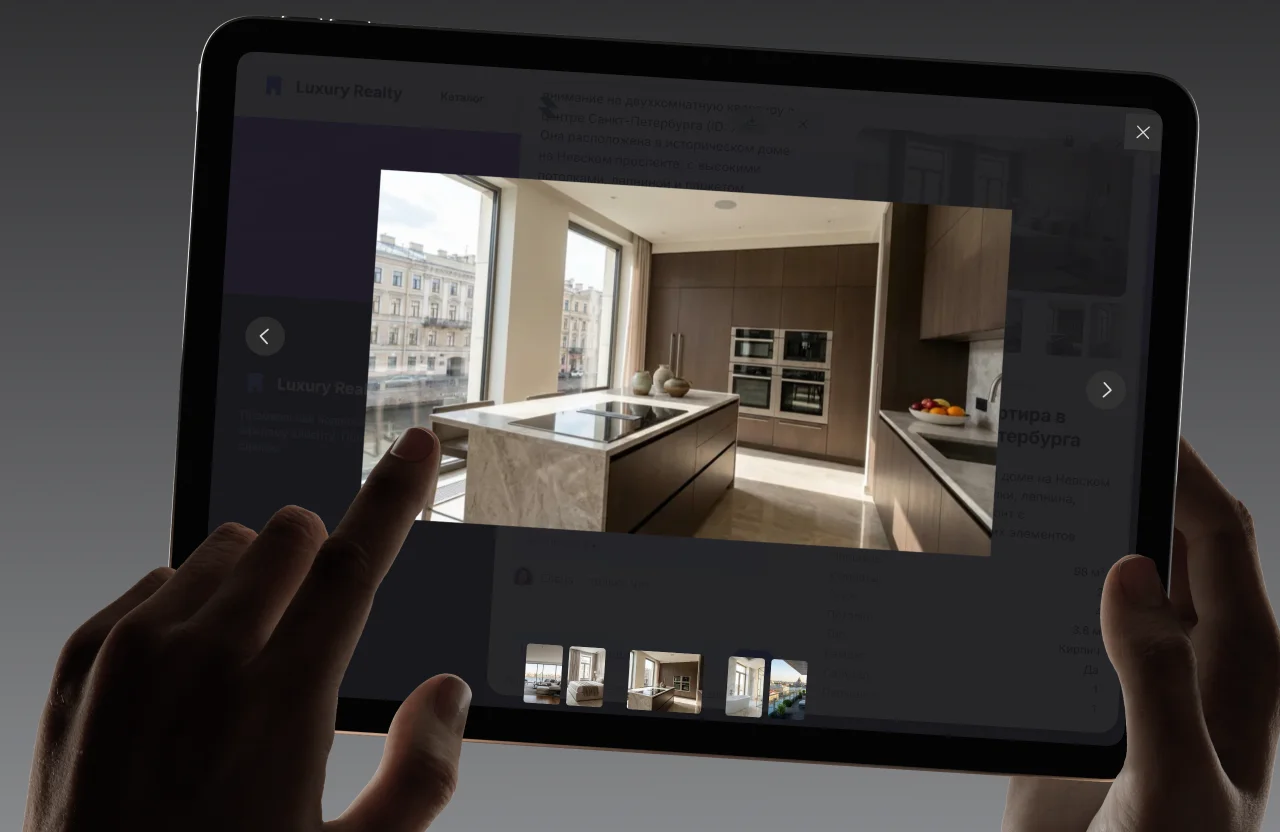
Name, face, character
Six settings and the assistant speaks in your company’s voice. Everything changes on the fly with no restart: save it and the next dialogue already sounds different.
Name
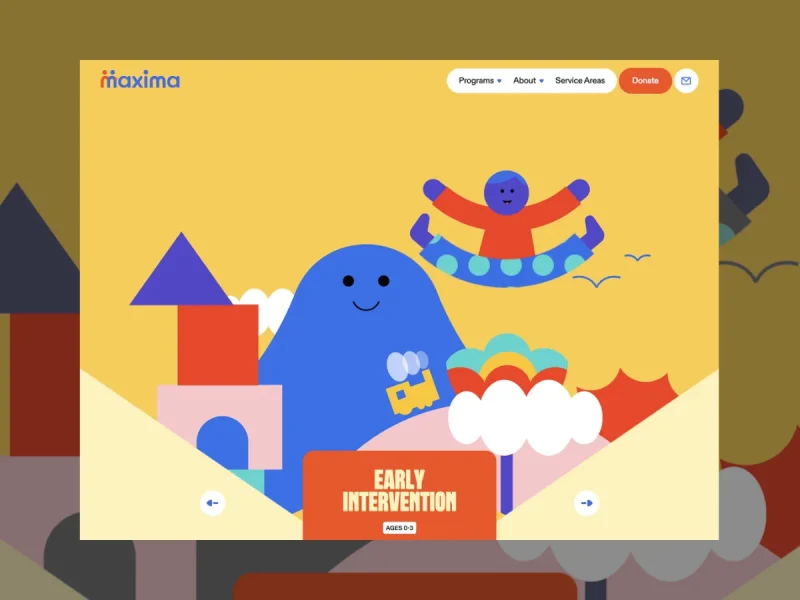
How the assistant introduces itself in a dialogue. A random name by default.
Avatar
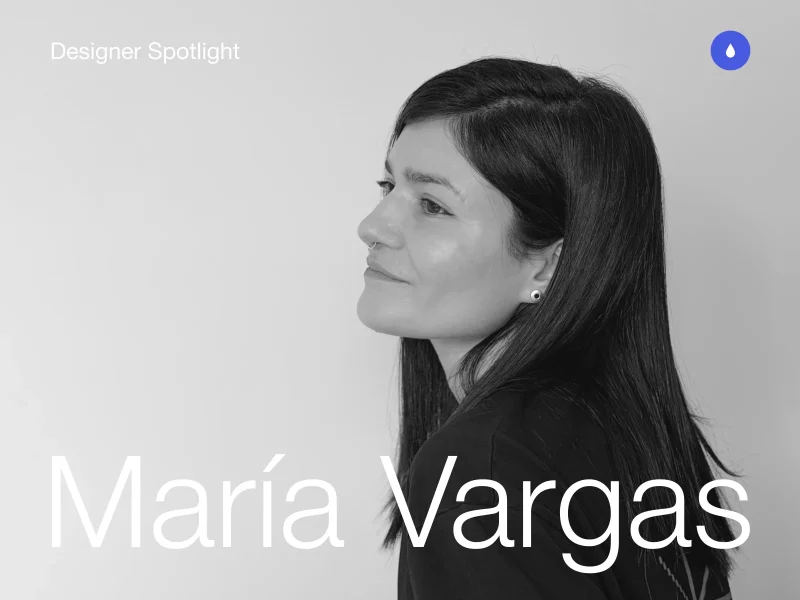
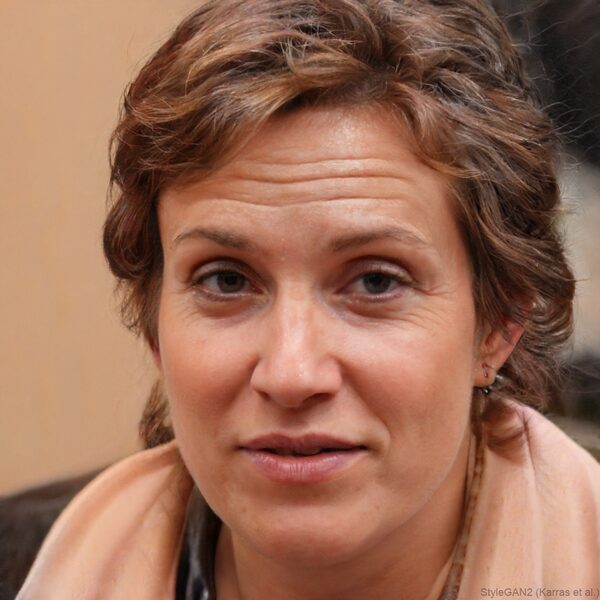
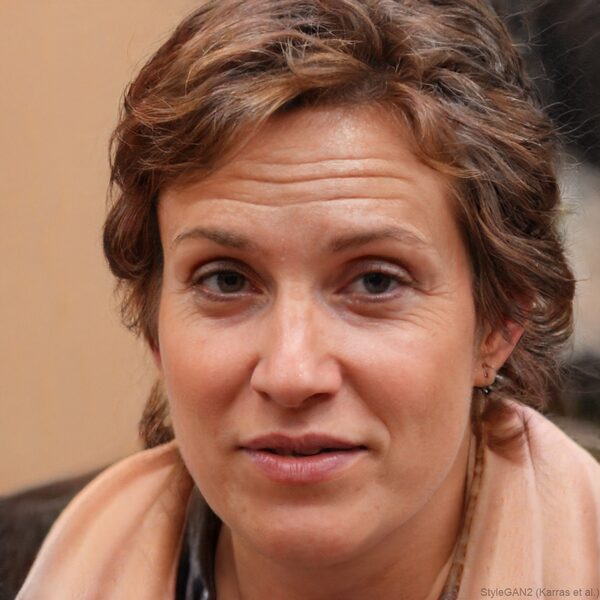
Upload a photo, drop a file onto the page or pick from the gallery — 25 live portraits and a set of illustrations.
Instruction
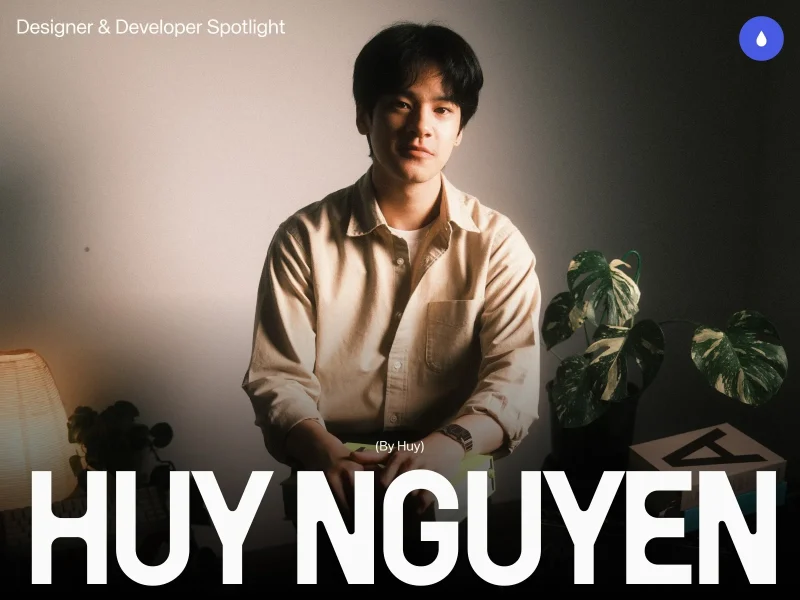
Goal, tone and audience in free text: «advise gently and carry them to an order» or «answer by the book, like a service engineer».
Invitation

The button text a dialogue starts from. «What is your question?» by default.
Language and theme
Russian or English, light, dark or system theme, the colours and the widget position.
Behaviour

Source files attached to answers, a pause when someone asks for an agent, file uploads from the visitor.
The portrait matters
The persona sets the goal. Advise gently and carry the customer to a purchase — or serve B2B clients strictly by the book. One assistant, different characters.
- Clarifying questions
- Matching to a budget
- Carrying to an order

- Answers by the book
- Diagnostics
- Field visit request

- Catalogue knowledge
- Model comparison
- Bundles and upsell

- HR questions
- Policies
- Internal services
Character is a coordinate
X axis is the scenario, Y axis is the tone. A free-text instruction places the assistant anywhere on the map — from gentle selling to strict service.







A point on the map
The ready characters are landmarks. Your own instruction puts the assistant anywhere between them.
One dataset, different answers
The data answers «what», the persona answers «how». «Recommend me a laptop» sounds different from a gentle advisor and from an expert salesperson — while the catalogue is the same.
Catalogue.
The data does not change — same products, documents and prices.
Instructions.
The advisor asks about the budget and offers two options; the expert compares specs and assembles a bundle.
Edits to the data.
Only the persona changes — and the answers change with it.

Assemble your assistant’s character
A default persona is assembled for you. A random name, a matching live photo and the invitation «What is your question?» — replace any detail when you get to it.
Test it on your own data
Upload your own documents and catalogue — then ask the assistant the questions people ask you. That is the only test that means anything.