Of code and integrations
the portal runs even without a website
To invite someone
a link or a QR code and they are in the chat
Assistant on duty
no weekends, no breaks
Dashboard, a portal with an AI assistant
A person asks, the assistant answers
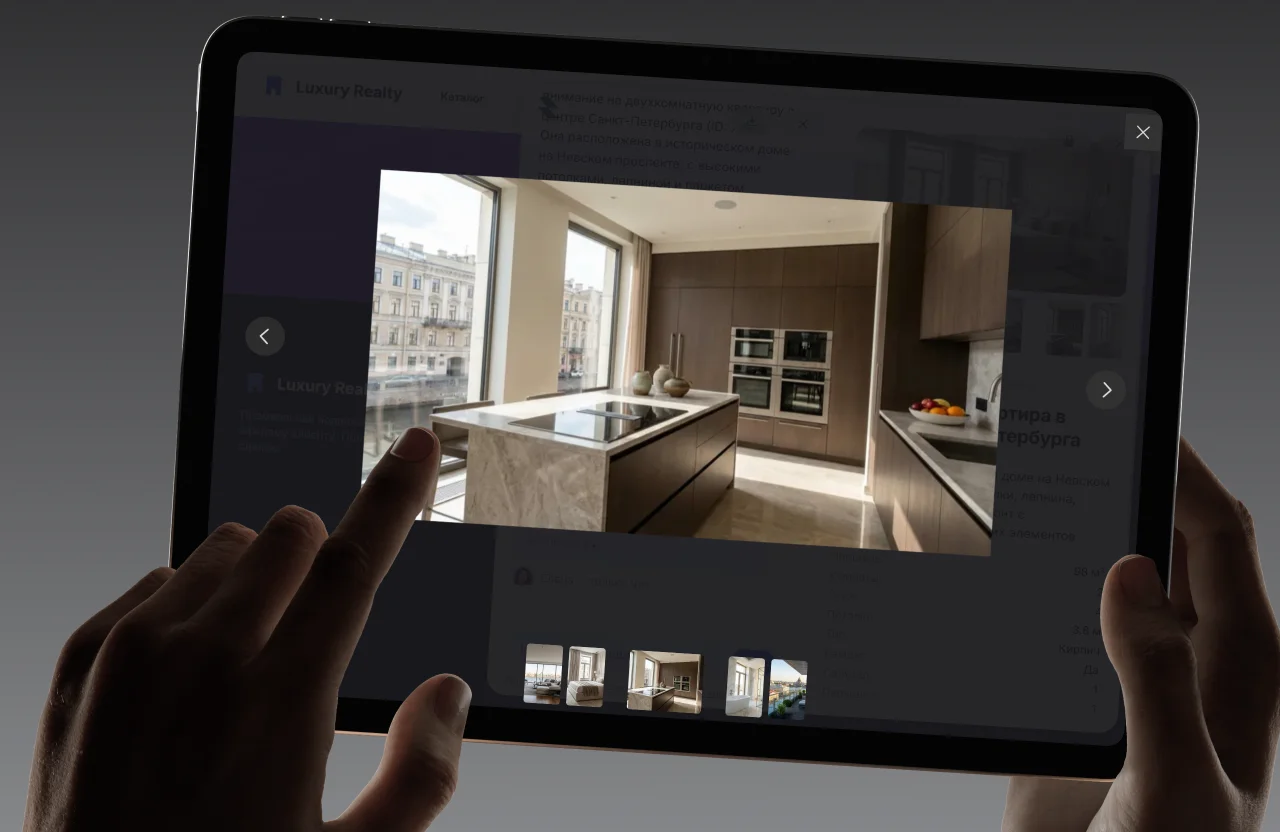
The dashboard is a ready portal with an AI assistant. You upload your data and invite people — they ask questions and get answers as if from a seasoned specialist.
Ask and get an answer from your data
You upload your documents and products. Someone types a question and the assistant answers from them, instead of inventing from the internet.
Every answer shows its source
Next to the answer sits the document or card it rests on. One click and the reader is in the original.


The request is completed inside the chat
Booking, request or quote — the form appears in the dialogue, the result goes to you and the person gets a confirmation.
And all of it on your own address
Domain, sign-in and history. The portal lives on your domain, people sign in by invitation and every dialogue is kept.
Your address
A portal on your own domain
A subdomain or your own domain with automatic TLS — the portal looks like your product.
Invites
Sign in by link or QR
Invite an employee, a partner or a customer in a minute — everyone signs in under their own account.
Continuity
History stays with the person
They come back a week later and continue the same dialogue. Answer ratings accumulate for analytics.
One portal, many jobs
Start with one scenario. The knowledge base is shared, so every next scenario switches on in minutes rather than as a project.
Intranet

Staff ask about policies, leave and services — instead of the HR and IT first line.
Wiki

Live search across the knowledge base: instead of reading sections, a question and an exact answer with its source.
Support
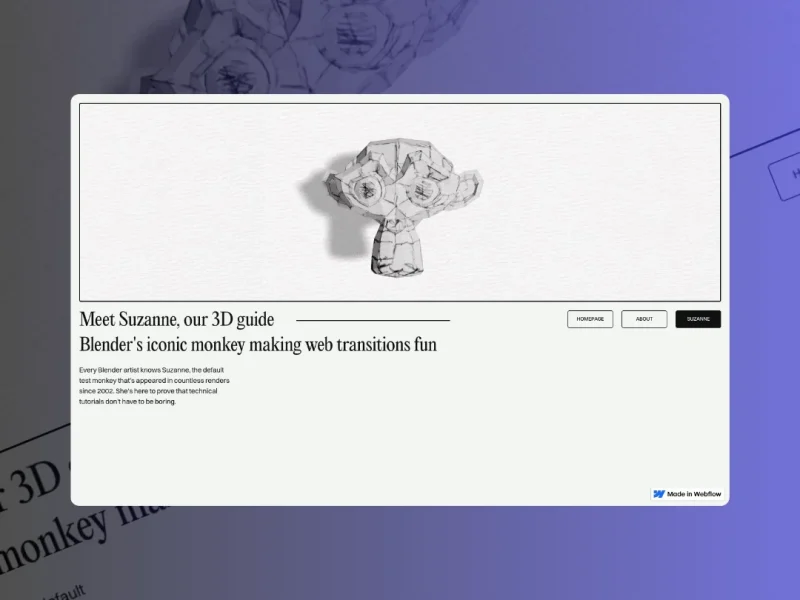
No website, or one you cannot touch? Give customers the portal link — support works straight away.
Partners

Price lists, terms, order statuses and documents — a partner gets answers without a manager.
Onboarding
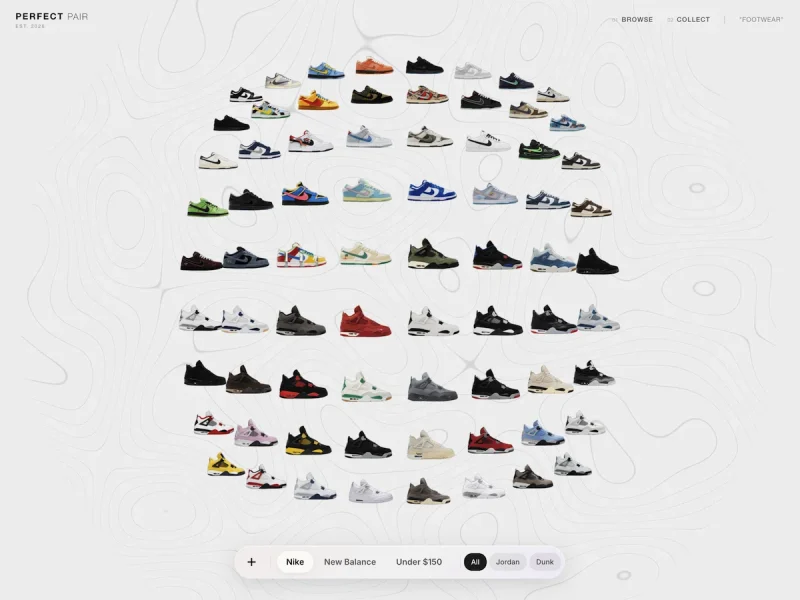
Onboarding newcomers: the assistant answers the «silly questions» as many times as it takes.
Self-service
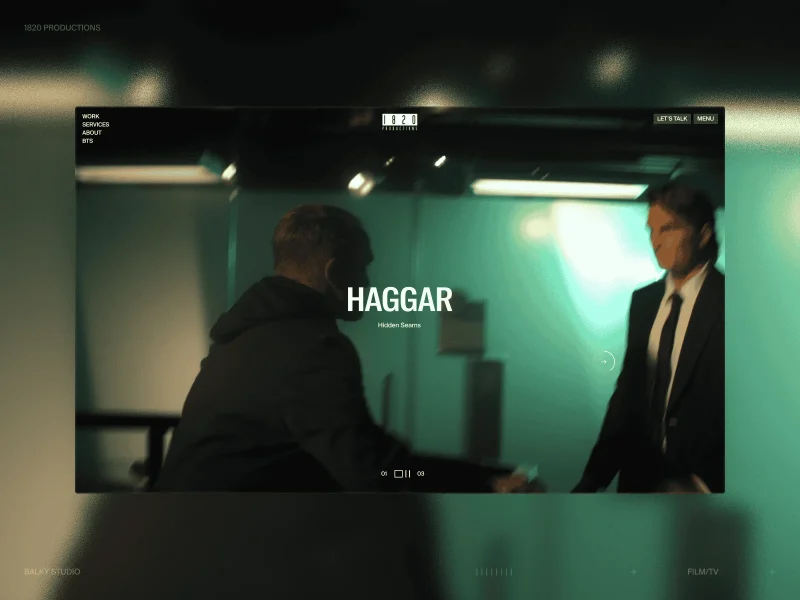
A customer account: request statuses, self-service and the history of every ticket.
A whole platform inside
The portal ships ready, it is not a construction kit. A vector store, the RAG pipeline, skills and connectors — under the hood. A fast, light chat with cards, comparison and forms — on the outside.
SKILLS · ACTIONS IN CHAT
05
The assistant does not only answer, it acts
DEMO · STOCK
Stock check
«Is this in stock?» — the assistant calls the connector itself and answers with a fact from your system.

DEMO · CRM
Order status
Someone gives an order number — status and dates arrive from the CRM straight into the chat.

DEMO · 1C
Prices and stock
Live pricing and stock from 1C at the moment of the answer — no manual exports.
DEMO · CRON
Scheduled report
«Send me the status every morning» — a cron task runs without an operator.
Tools and hooks
a standard protocol for integrations
Data from your systems
prices, stock and statuses at answer time
Scheduled jobs
reminders and reports without an operator
Six reasons to trust the portal with people
From a question to a decision
Smart RAG and current models. Four steps between a user’s question and a decision — the technology stays under the hood, the person sees the result.



The portal takes load off people
Routine questions go to the assistant. People handle the hard cases, the assistant handles the repetitive ones. The answer is instant and costs pennies.
Of routine questions
never reach a person — the assistant closes them
First answer
instead of hours waiting on email
Faster onboarding
a newcomer finds the answers themselves
Cost
of a single answer
AI closes more dialogues · the load on people drops
Stand the portal up in an evening
No code, no integrations. Create the portal, upload the data, connect the domain and invite your first users today.
Sign up
Create an account in a minute — no card, free plan forever.
/02Data
Upload documents, products and profiles — the knowledge base is ready.
/03Domain and brand
Connect a subdomain or your own domain, set the logo and the colours.
/04Invites
Hand out links or QR codes — the team and the customers are in the chat.
Test it on your own data
Upload your own documents and catalogue — then ask the assistant the questions people ask you. That is the only test that means anything.