
Formats out of the box
documents, spreadsheets, audio and video
Becomes text
webinars, calls and podcasts answer alongside documents
Site pages
in one feed, with no copy-paste
Files that answer
From files to answers
Documents, spreadsheets, meeting recordings and site pages go into the knowledge base as they are — with no preparation. The assistant reads them, transcribes them and answers from them within minutes.
Files arrive on their own
From two files to the company archive. Upload a couple of documents by hand — or connect storage: the path is equally short.
Upload
Drop files into the admin. Two docx files with answers and addresses already make a knowledge base.
S3 bucket
Connect any S3-compatible storage — the platform pulls the documents from the bucket itself.
Server directory
A folder behind nginx or Apache — the files are picked up from the directory listing.
List of links
A plain list of URLs — every document is downloaded into the base.
The whole site
Give the address — the platform walks the sitemap and collects the site sections into the base.
Once a day
Sources refresh themselves every morning; by hand it is one click.
Any format, one path
Documents and spreadsheets are read directly, recordings are transcribed. Everything lands in one knowledge base and the assistant answers from it.
PDF · DOCX · PPTX · XLSX
CSV · JSON · TXT · MD · HTML
MP3 · WAV · FLAC · M4A · OGG +
MP4 · MOV · AVI · MKV · WEBM +
Audio and video into text
30 extensions out of the box
Where the answer came from
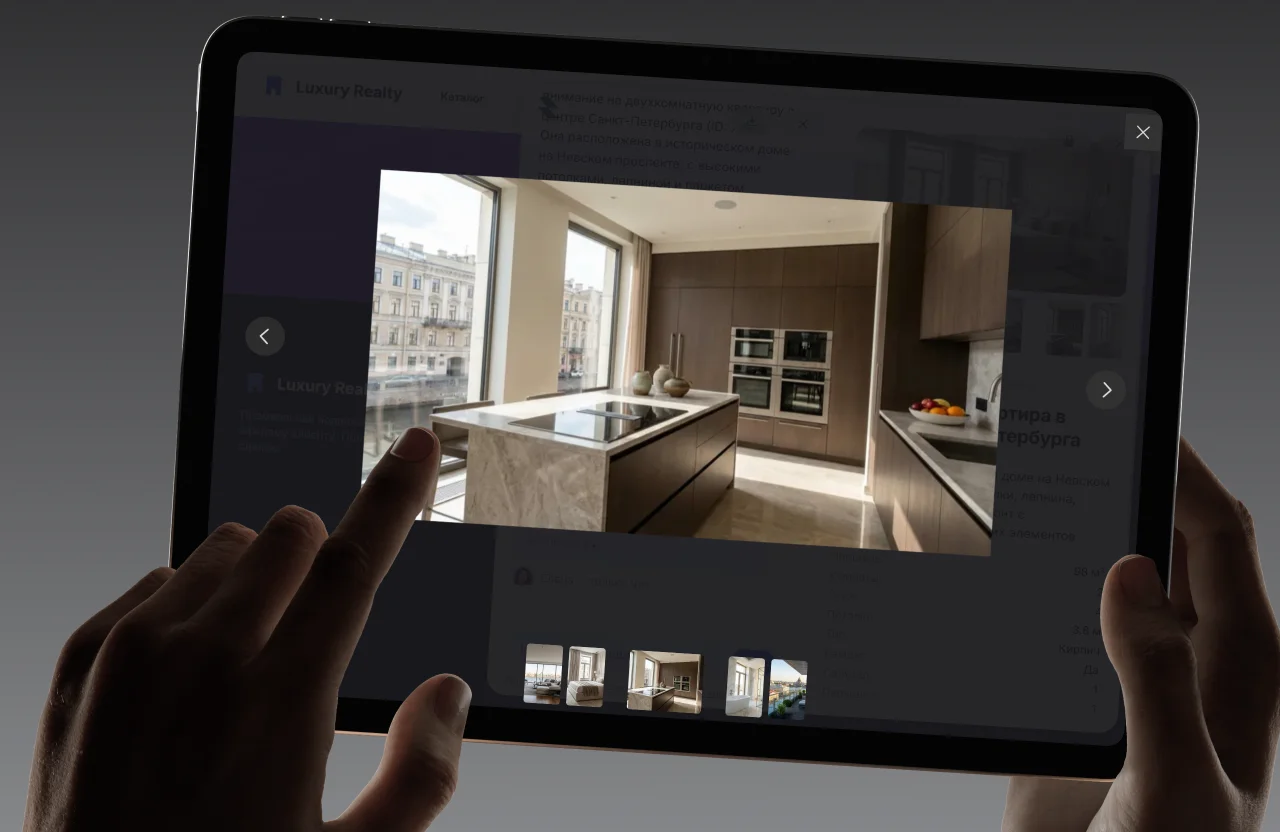
By default it is simply a short answer. Switch the sources option on and the assistant shows where the answer came from: a document with the fragment highlighted, or the live page.
Just an exact answer
Out of the box the assistant answers briefly — with no documents attached.
An answer with its source
Switch it on and the assistant attaches the document with the relevant fragment highlighted.
A link to the live page
Knowledge from your site — the answer leads to the live section, not a copy.
Fast on both sides
Files land in the base in minutes and search answers in a fraction of a second. And the speed holds as the archive grows — the vector store is built for it.
First token
the answer starts immediately
Search p95
semantic, across the whole base
File in the base
from upload to answers
Refresh
sources synchronise themselves

Build the knowledge base in an evening
From two docx files to tens of thousands of documents — the path is the same. Connect a source and the assistant answers from it quickly and precisely.
Sign up
Create an account in a minute — no card, free plan forever.
/02Source
Files, a bucket, a server directory or the whole site — whichever suits.
/03Indexing
Documents are read, recordings transcribed — the base fills itself.
/04Dialogue
Ask the assistant about your own document and get an exact answer.
Test it on your own data
Upload your own documents and catalogue — then ask the assistant the questions people ask you. That is the only test that means anything.